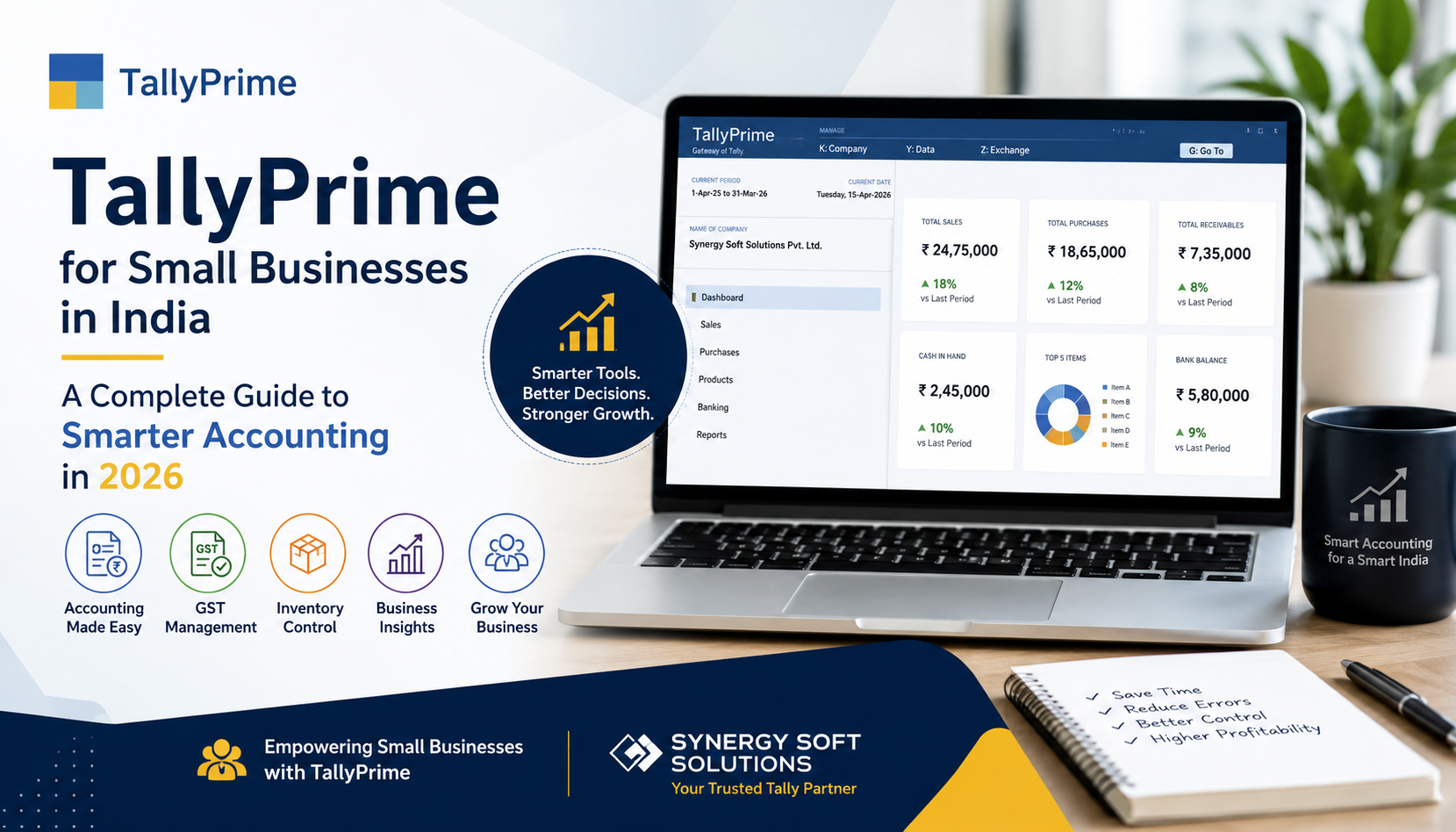
Managing accounts manually can become difficult as a small business grows. From recording sales and purchases to tracking inventory, managing GST, generating invoices, and monitoring cash flow, business owners need accurate information to make better decisions.
TallyPrime offers an integrated solution for accounting and business management. It can help small and growing businesses manage financial transactions, inventory, taxation, payroll, reporting, and other day-to-day operations from one platform.
For businesses looking to improve accounting efficiency in 2026, choosing the right TallyPrime setup, implementation, customization, and support can make a significant difference.
At Synergy Soft Solutions, businesses can get end-to-end TallyPrime services, including licensing, implementation, customization, cloud solutions, training, and ongoing support.
Table of Contents
ToggleWhat Is TallyPrime?
TallyPrime is business management and accounting software designed to help organizations manage financial and operational activities more efficiently.
It can support important business functions such as:
- Accounting and bookkeeping
- GST-compliant invoicing
- Inventory management
- Purchase and sales management
- Banking and reconciliation
- Payroll
- Business reports
- Taxation and compliance
- Multi-user business operations
This makes TallyPrime suitable for retailers, wholesalers, manufacturers, service providers, startups, and other small and medium-sized businesses.
Why Should Small Businesses Use TallyPrime?
Small businesses often operate with limited employees and resources. Managing accounts efficiently therefore becomes essential.
Here are some of the major reasons businesses consider TallyPrime:
1. Simplified Accounting
TallyPrime helps businesses record daily transactions and maintain organized financial records.
Businesses can manage:
- Sales
- Purchases
- Expenses
- Receipts
- Payments
- Journals
- Ledgers
Having financial information organized in one system can reduce dependence on spreadsheets and manual records.
2. GST Management
GST compliance is an important responsibility for Indian businesses.
TallyPrime can help businesses manage GST-related activities, including invoicing, tax calculations, reports, and compliance workflows.
Proper configuration and regular updates are important to ensure the software is aligned with applicable requirements.
3. Better Inventory Management
For businesses dealing with physical products, inventory management is critical.
TallyPrime can help track:
- Stock quantities
- Stock movement
- Purchase and sales transactions
- Multiple locations
- Reorder requirements
- Inventory valuation
Better inventory visibility can help businesses reduce stock-related errors and improve purchasing decisions.
4. Faster Invoice Generation
Creating invoices manually can consume valuable time.
With TallyPrime, businesses can generate professional invoices while recording the corresponding accounting and inventory transactions.
This can make the billing process faster and more organized.
5. Business Reports and Insights
Business owners need more than transaction records. They need information that helps them understand business performance.
TallyPrime provides access to different financial and business reports that can help management monitor revenue, expenses, receivables, payables, inventory, and profitability.
TallyPrime for Different Types of Small Businesses
One of the advantages of an integrated accounting solution is its applicability across different industries.
Retail Businesses
Retailers can use TallyPrime to manage sales, purchases, inventory, customer accounts, and GST-related transactions.
Wholesale and Distribution
Wholesalers can manage large volumes of purchases, sales, stock movement, outstanding payments, and customer accounts.
Manufacturing Businesses
Manufacturers can use inventory and accounting features to manage materials, production-related processes, stock, purchases, and sales.
Service Businesses
Service providers can use TallyPrime for invoicing, accounting, expense management, customer transactions, and financial reporting.
Startups and Growing Businesses
Startups can establish structured accounting processes from the beginning and expand their software setup as their operations grow.
TallyPrime vs. Manual Accounting
| Feature | Manual Accounting | TallyPrime |
|---|---|---|
| Transaction recording | Manual | Digital |
| Invoice generation | Time-consuming | Faster |
| Financial reports | Manual preparation | System-generated |
| Inventory tracking | Difficult at scale | Integrated |
| GST management | More manual work | Integrated workflows |
| Data organization | Spreadsheet/files | Centralized system |
| Business analysis | Limited | Multiple reports |
The right choice depends on the business’s size, requirements, processes, and accounting practices. However, digital accounting can provide greater efficiency as transaction volumes increase.
Can TallyPrime Be Customized?
Yes. Businesses often have workflows that differ from standard accounting processes.
TallyPrime can be supported with customization and add-on solutions for specific business requirements.
Examples may include:
- Custom invoice formats
- Specialized reports
- Additional business fields
- Automated workflows
- Industry-specific requirements
- Third-party integrations
Customization should be planned carefully so that it solves a genuine business requirement without unnecessarily complicating the system.
TallyPrime on Cloud for Growing Businesses
Businesses with remote teams or multiple locations may also consider TallyPrime on Cloud.
Cloud-based access can provide benefits such as:
- Remote accessibility
- Multi-location collaboration
- Centralized data access
- Backup options
- Reduced dependence on local infrastructure
Synergy Soft Solutions also provides Tally on Cloud services designed around business requirements.
Why Choose Synergy Soft Solutions for TallyPrime Services?
Selecting the right implementation and support partner is just as important as selecting accounting software.
Synergy Soft Solutions provides services covering different stages of the TallyPrime journey, including:
- TallyPrime licensing
- Installation and implementation
- Data migration
- Tally customization
- Tally on Cloud
- Training
- AMC and technical support
- Add-ons and integrations
The company is based in Mumbai and supports businesses across different industries. Its existing services and blog content focus extensively on TallyPrime implementation, cloud solutions, customization, training, and support.
How to Get Started With TallyPrime
Businesses planning to implement TallyPrime can follow a simple process:
Step 1: Identify Your Requirements
Understand what your business needs from accounting software, including accounting, GST, inventory, payroll, reporting, and user access.
Step 2: Select the Appropriate License
Choose a TallyPrime license based on the number of users and business requirements.
Step 3: Configure the Software
Set up company details, ledgers, taxation, inventory, users, and other required configurations.
Step 4: Migrate Existing Data
If you are moving from another accounting system or an older Tally version, plan data migration carefully.
Step 5: Train Your Team
Proper training helps employees use the software efficiently and reduces operational mistakes.
Step 6: Continue With Support
Regular technical support, updates, backups, and maintenance can help keep the accounting system running smoothly.
Frequently Asked Questions
Is TallyPrime suitable for small businesses?
Yes. TallyPrime can be used by startups and small businesses as well as larger organizations, depending on their accounting and operational requirements.
Can TallyPrime manage GST?
TallyPrime provides GST-related accounting and compliance features, including GST invoicing and reporting capabilities.
Can I access TallyPrime remotely?
Businesses can use suitable cloud-based solutions to access TallyPrime remotely, depending on their setup and service provider.
Can TallyPrime manage inventory?
Yes. TallyPrime includes inventory management features for tracking stock, purchases, sales, and related transactions.
Can TallyPrime be customized?
Yes. TallyPrime can be customized and extended to address specific business workflows and reporting requirements.
Does Synergy Soft Solutions provide TallyPrime training?
Yes. Synergy Soft Solutions offers Tally training and workshops as part of its Tally-related services.
Conclusion
For small businesses, efficient accounting is an important part of sustainable growth. TallyPrime can bring accounting, GST, invoicing, inventory, reporting, and other business processes into a structured digital environment.
However, successful implementation depends on more than software installation. Proper configuration, data migration, customization, employee training, and ongoing support are equally important.
With professional TallyPrime implementation and support from Synergy Soft Solutions, businesses can build a more organized accounting workflow and prepare their financial operations for future growth.
Looking for TallyPrime services, customization, training, or Tally on Cloud? Connect with Synergy Soft Solutions to discuss your business requirements.